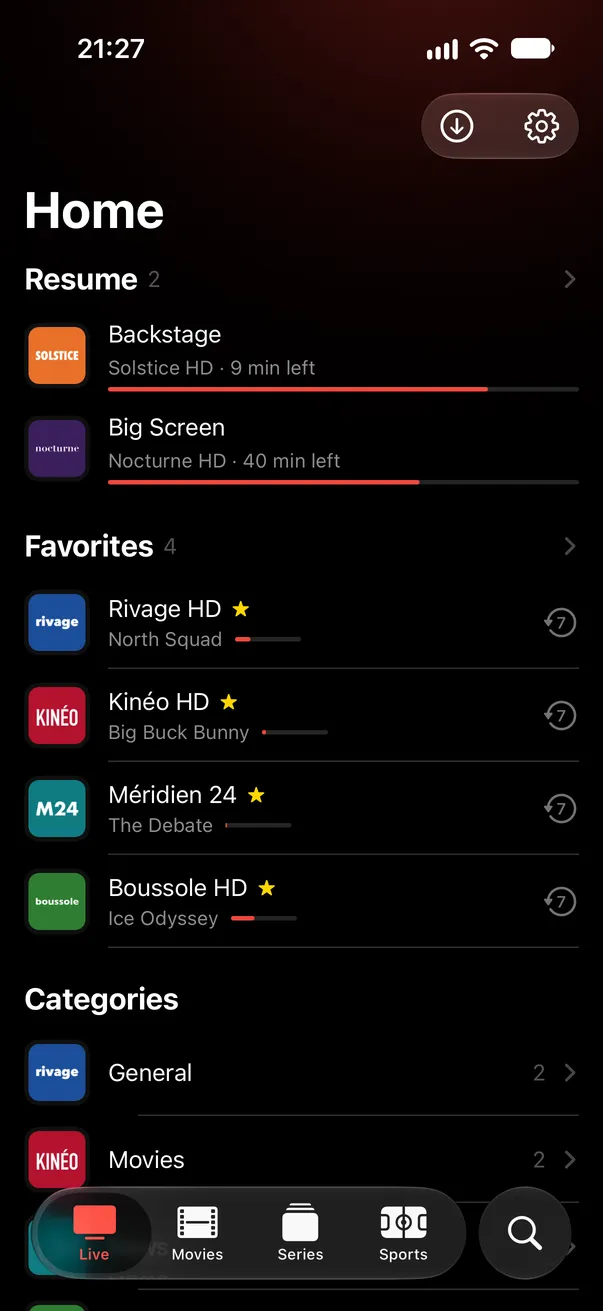
See your favourites at a glance.
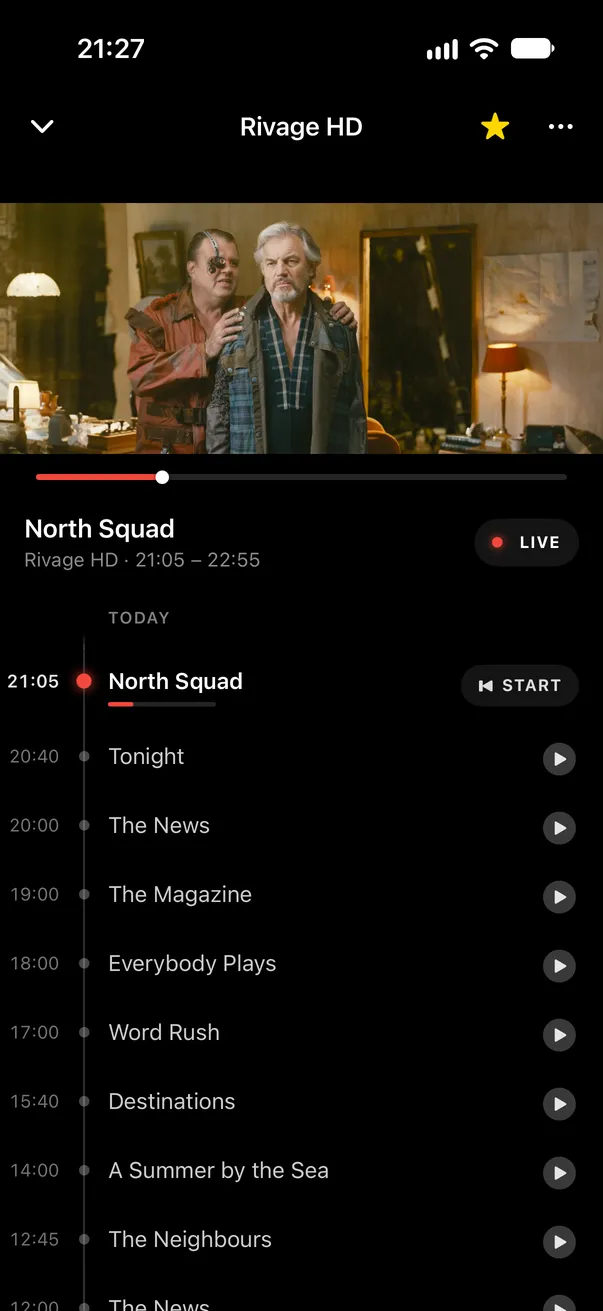
At the top of the tab, see what your favourite channels are showing and pick up the programmes you’ve started.

Catch-up, films, series and sport, on iPhone, iPad, Apple TV and Mac.

Tears of SteelKinéo HD · 21:05 – 22:40

At the top of the tab, see what your favourite channels are showing and pick up the programmes you’ve started.
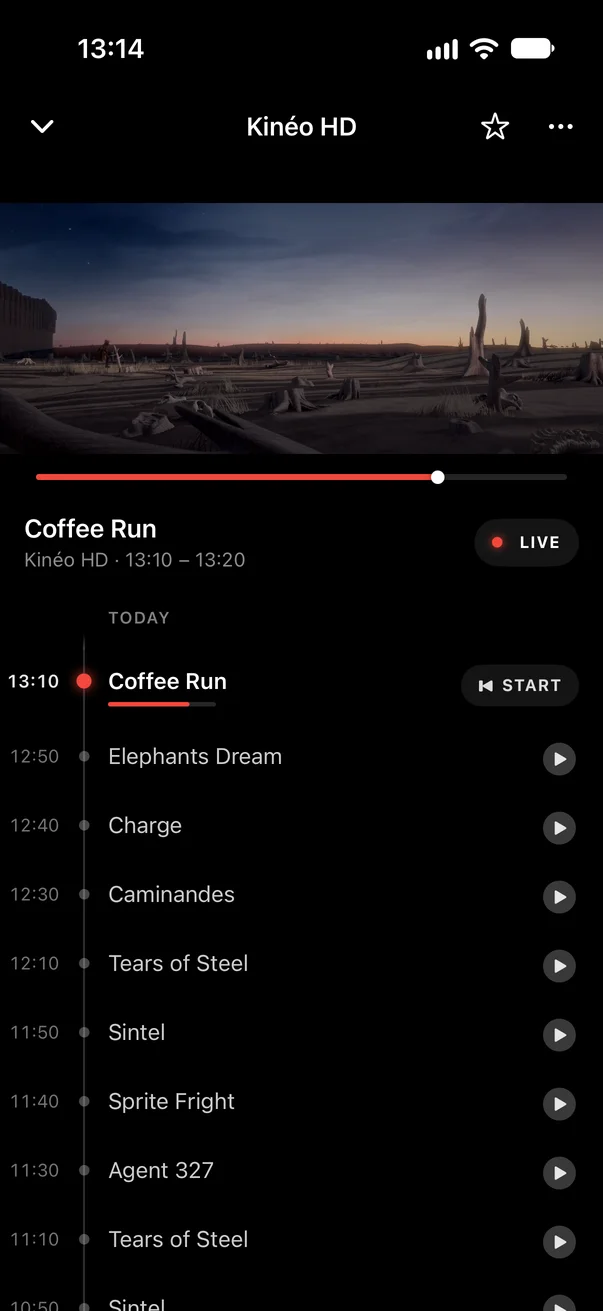
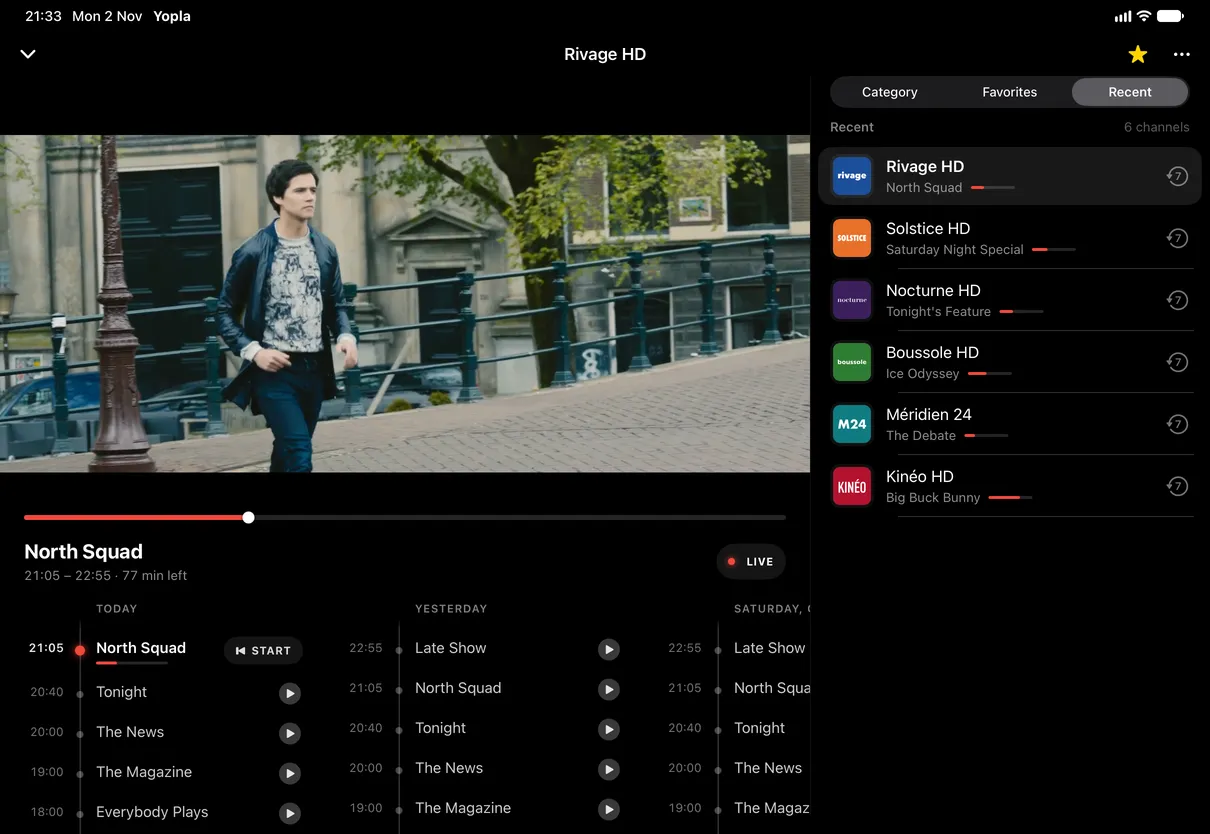
Tap a past programme to watch it, or tap “Start” to play the one on now from the beginning.

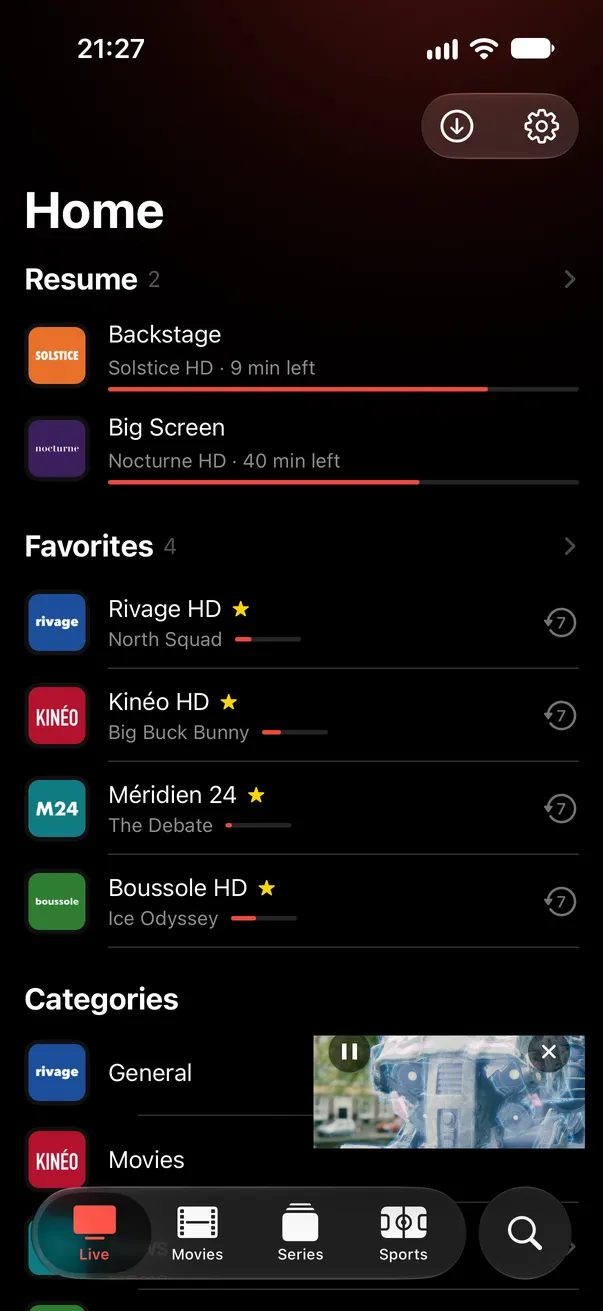
Swipe the picture down to keep it in a corner while you look for something else.

In full screen, swipe up to browse the channel’s programmes, day by day.

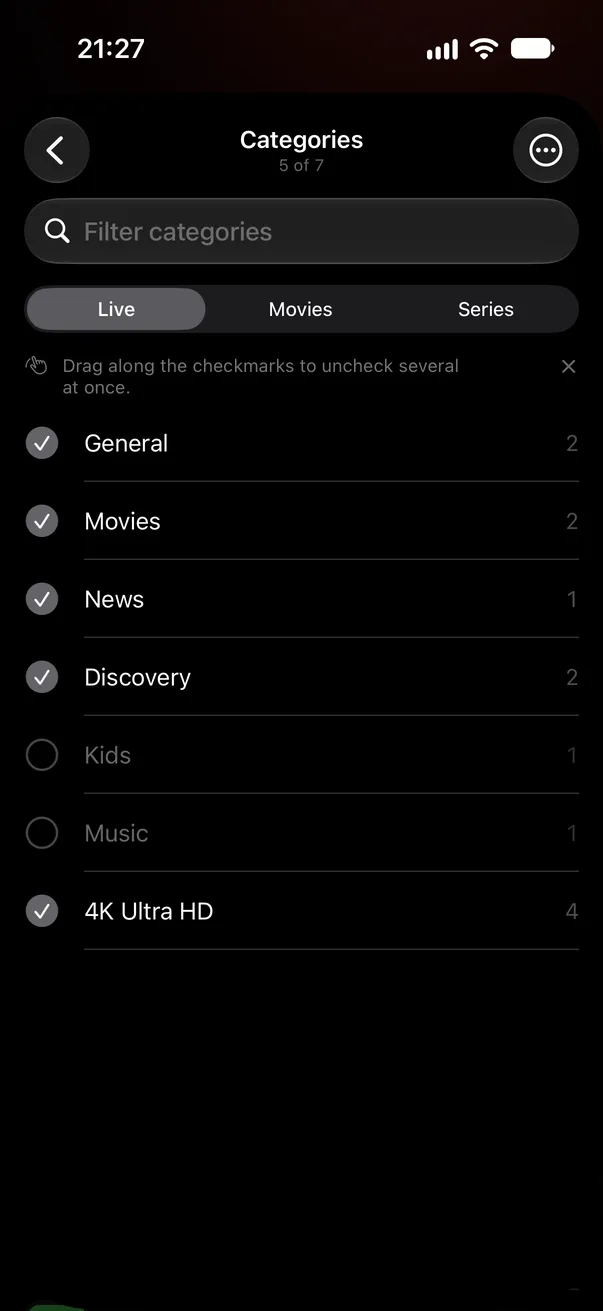
Hide the ones you don’t use and put the rest in the order you like.

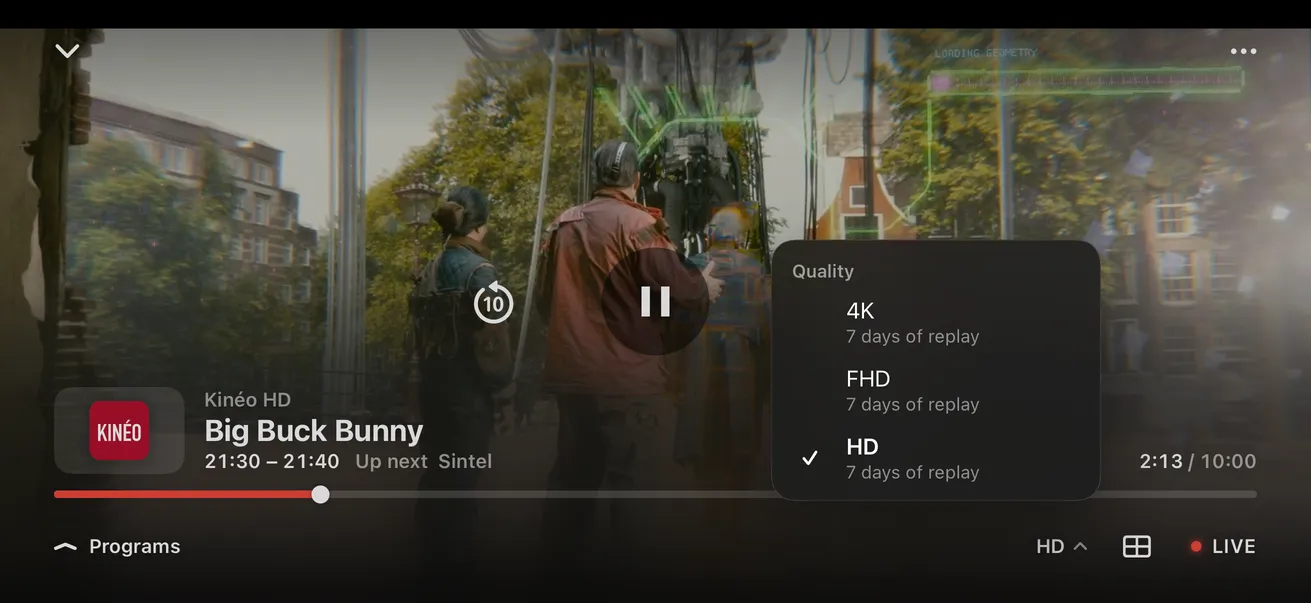
Pick a channel’s HD, FHD or 4K version from one menu.

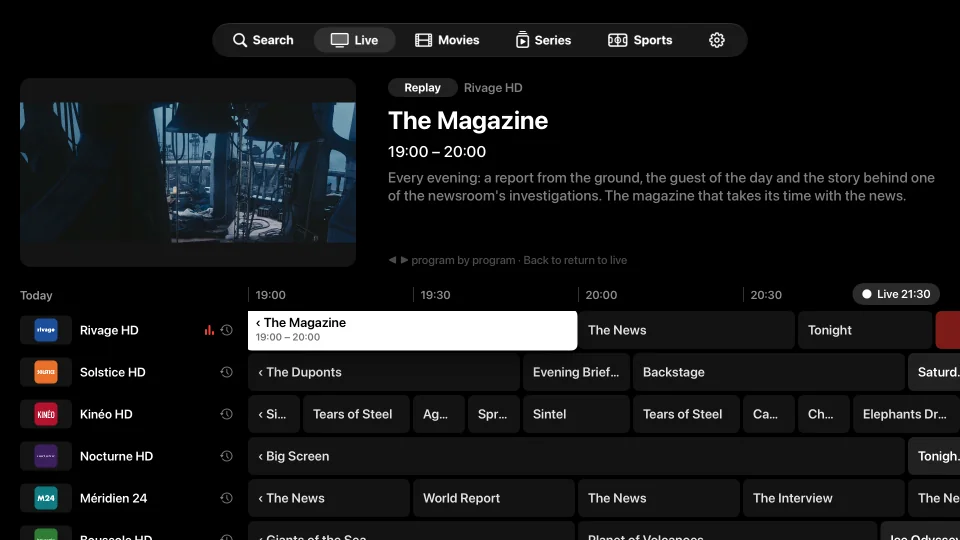
On iPad, watch the channel and see its schedule and your other channels on the same screen.

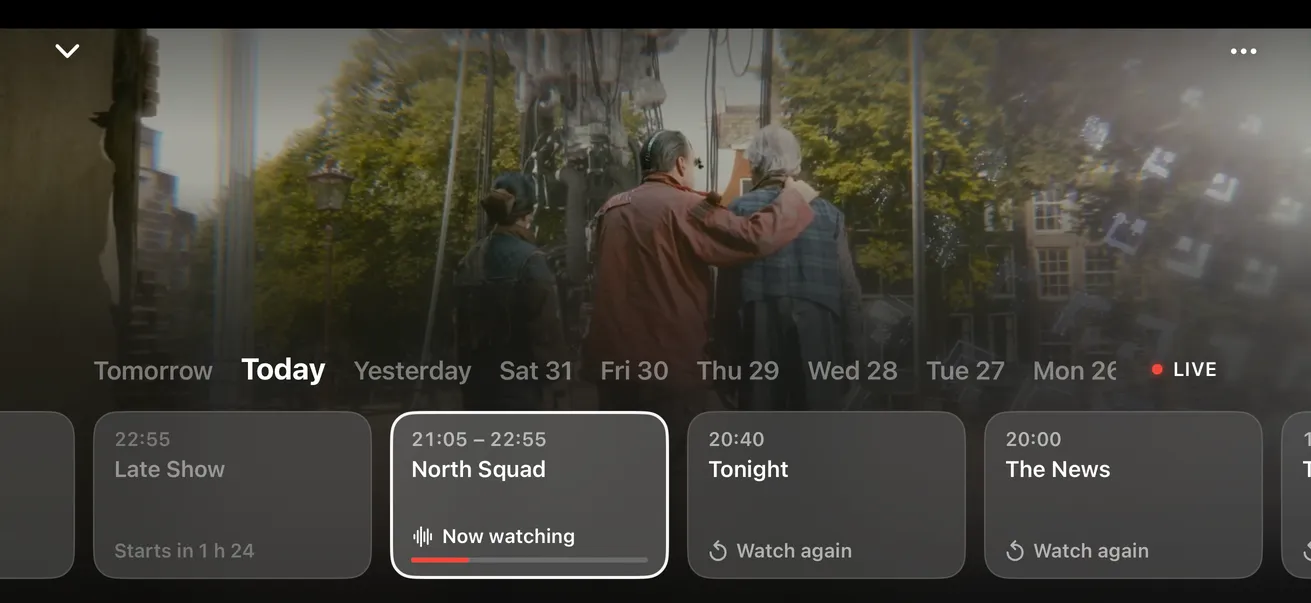
Scroll the grid to the left and watch past programmes from the start.

Live TV and the guide are free. Catch-up is part of Yopla Premium, going back as far as your subscription allows. Demo channels; picture: Tears of Steel (Blender Foundation).
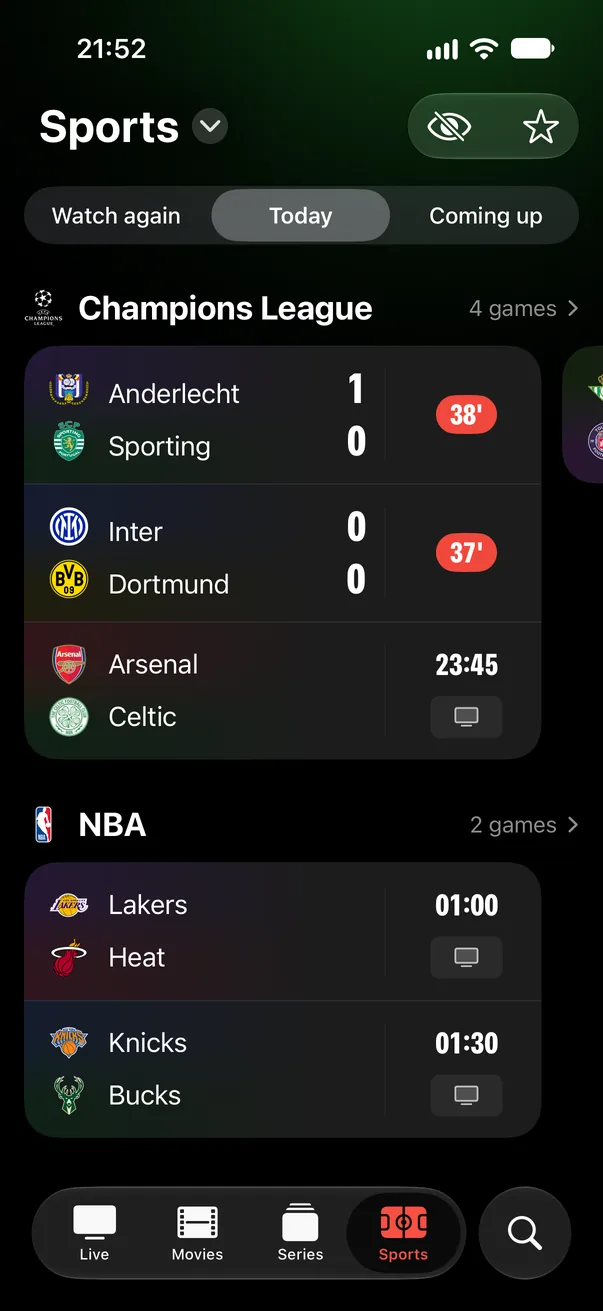
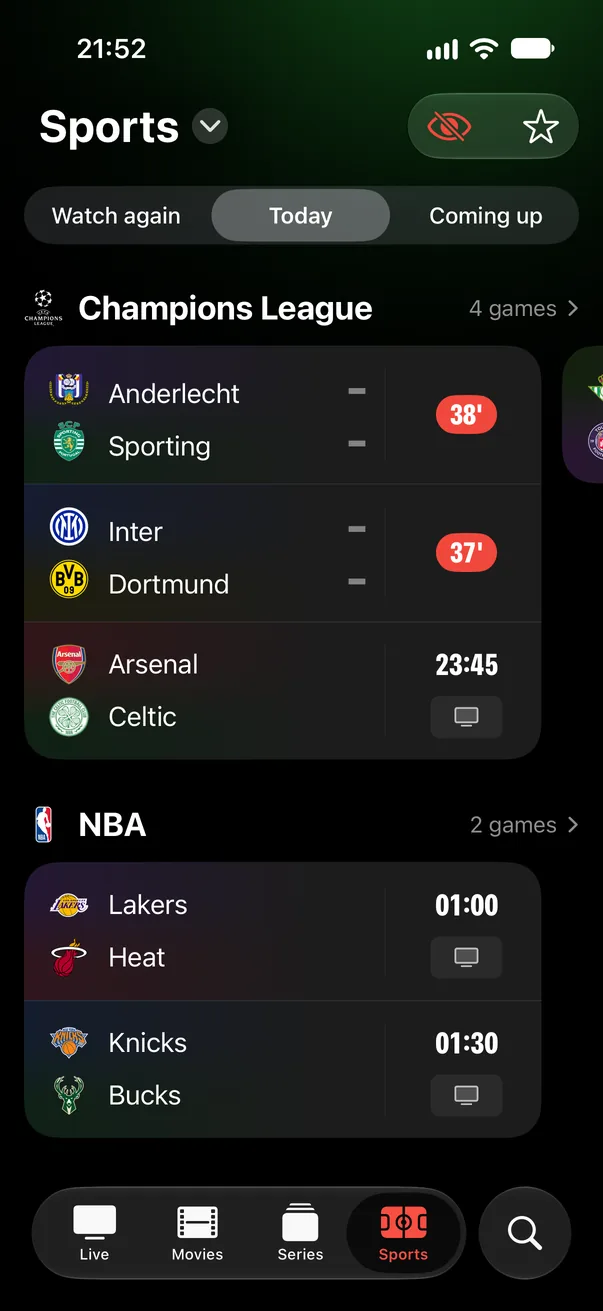
In the Sports tab, see your competitions' matches and the channels in your subscription that show them.
Tap a channel to start the match, from kick-off if you like.
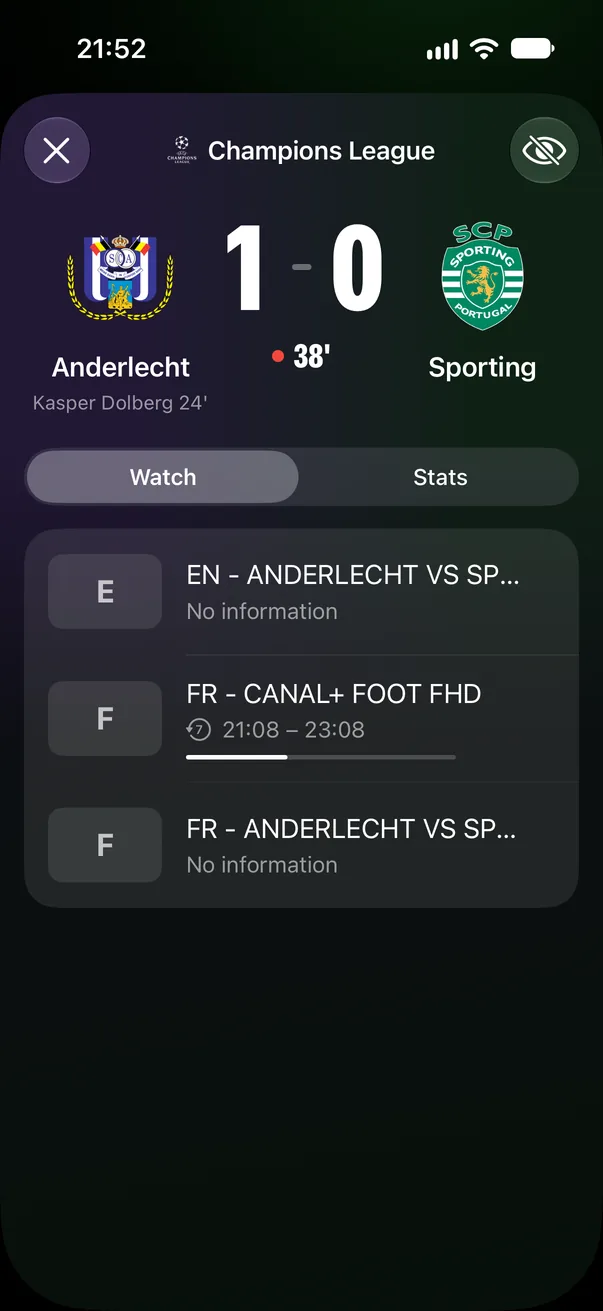
Football, rugby, basketball, F1, MMA or baseball: you see your competitions and teams first.
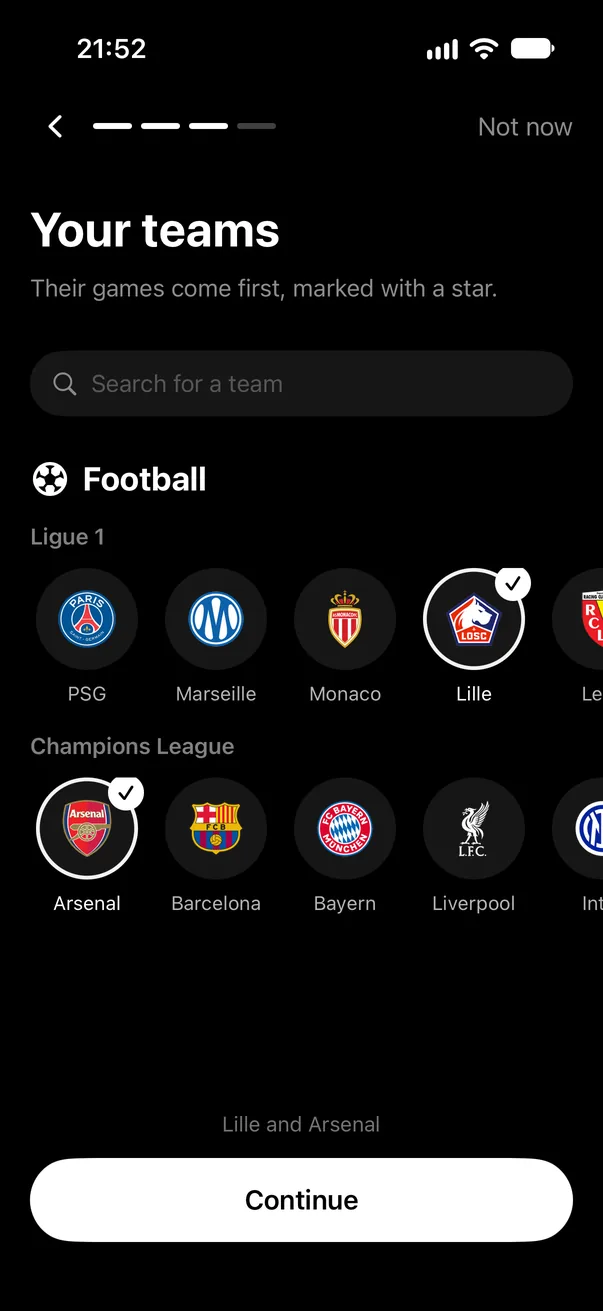
Turn on no-spoiler mode to hide scores and results across the whole tab.
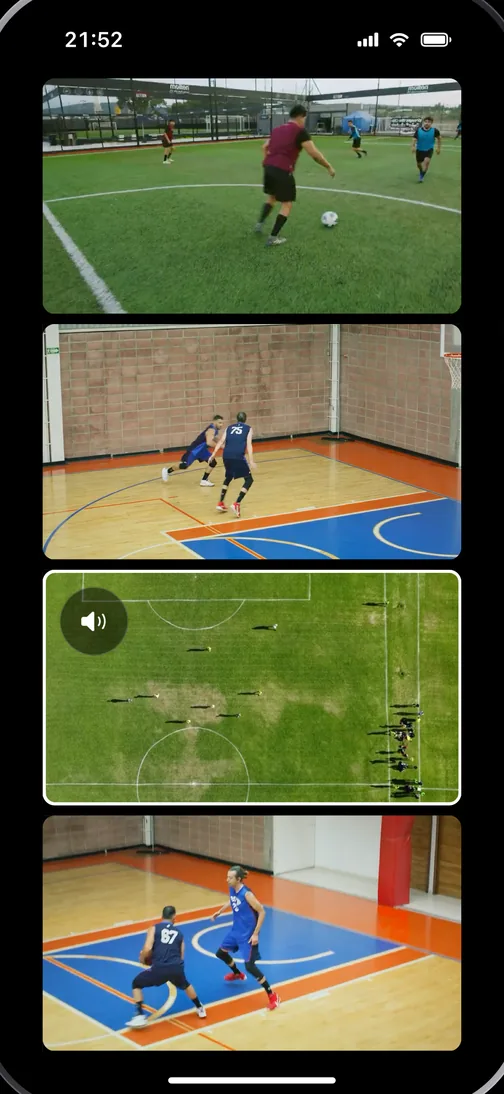
Tap one to hear it.
Watch the last two weeks of matches again, on catch-up or as repeats on your channels.
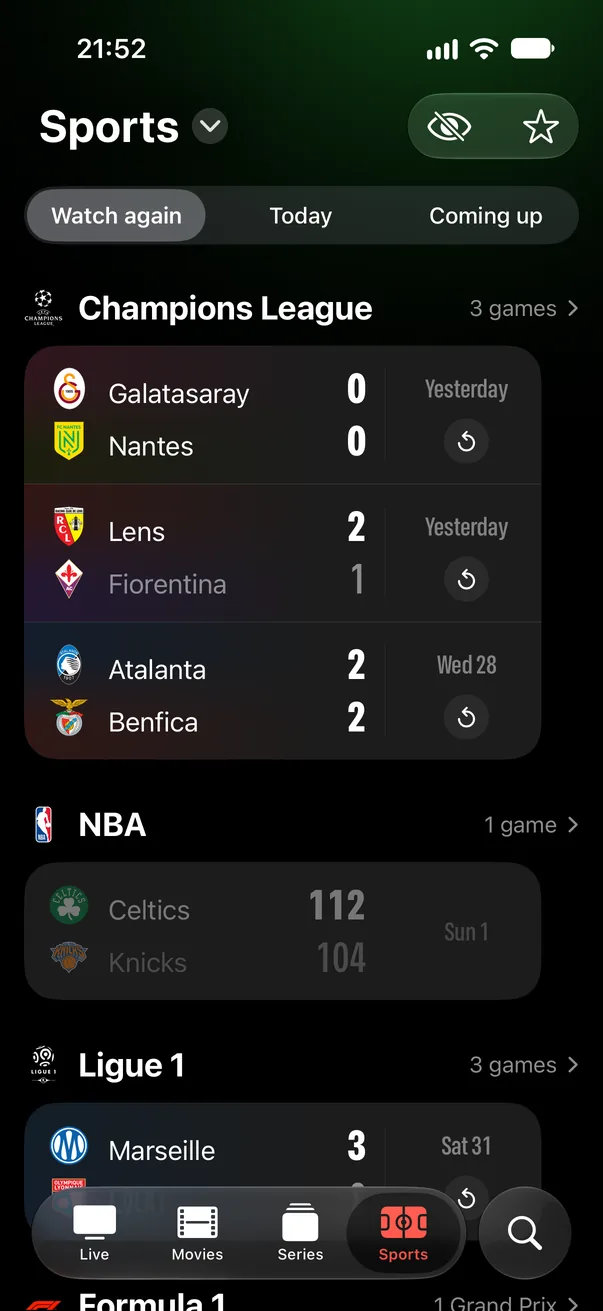
Watch every session of a Grand Prix and every part of a UFC night, live or on catch-up.
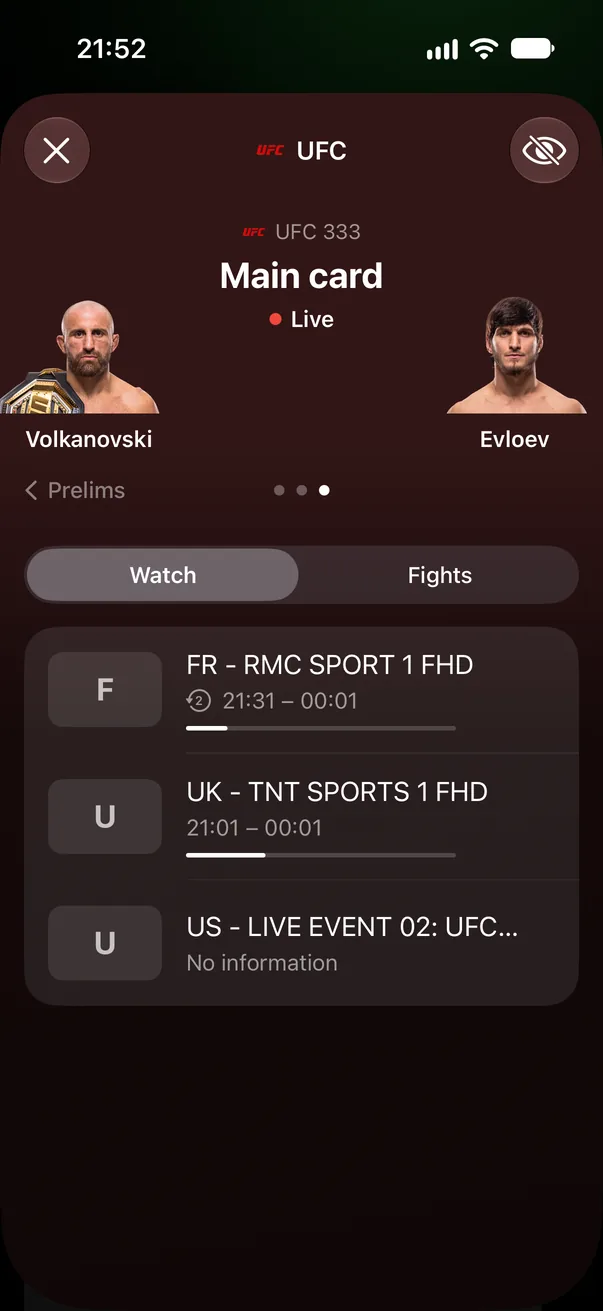
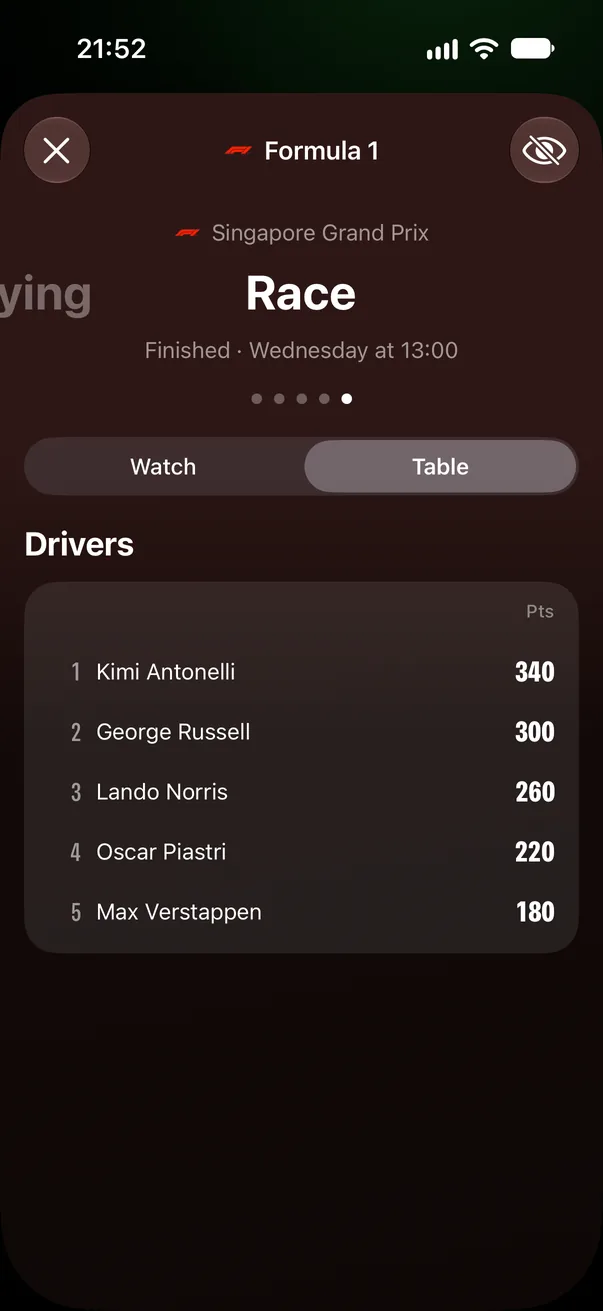
Keep the match on screen while you pick the next one.
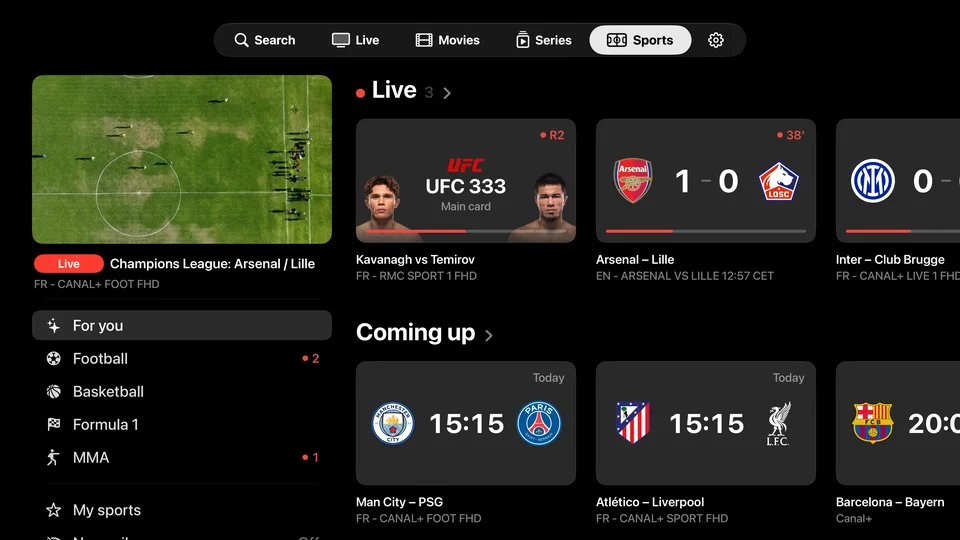
The Sports tab is part of Yopla Premium. Which channels it finds depends on your subscription.
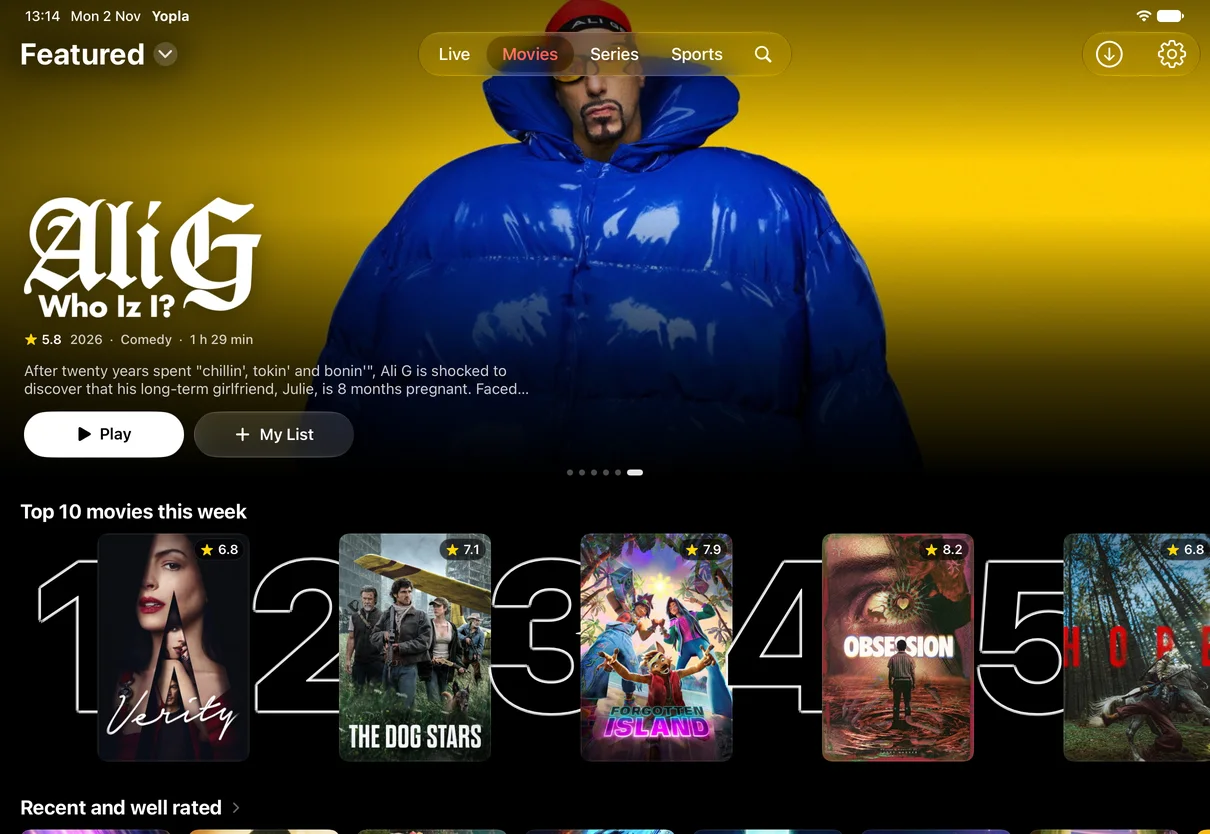
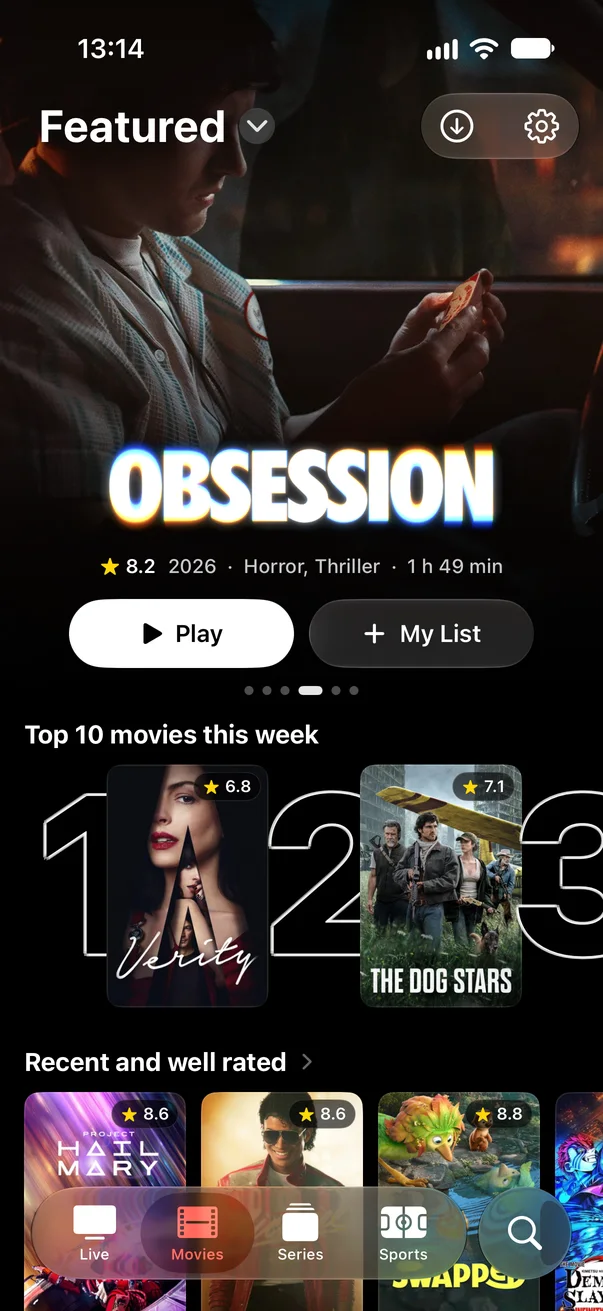
See the poster, the rating and the trailer of every film and series, and pick up right where you left off.
On Featured, see this week’s Top 10, the best-rated new releases and the film series in your subscription.

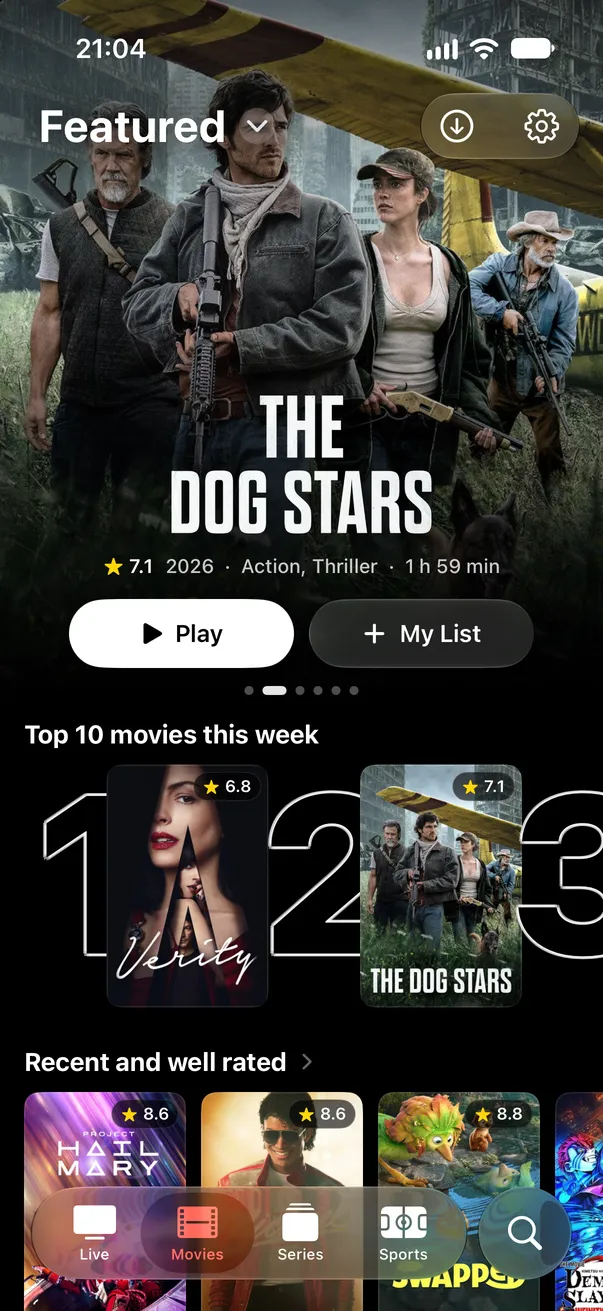
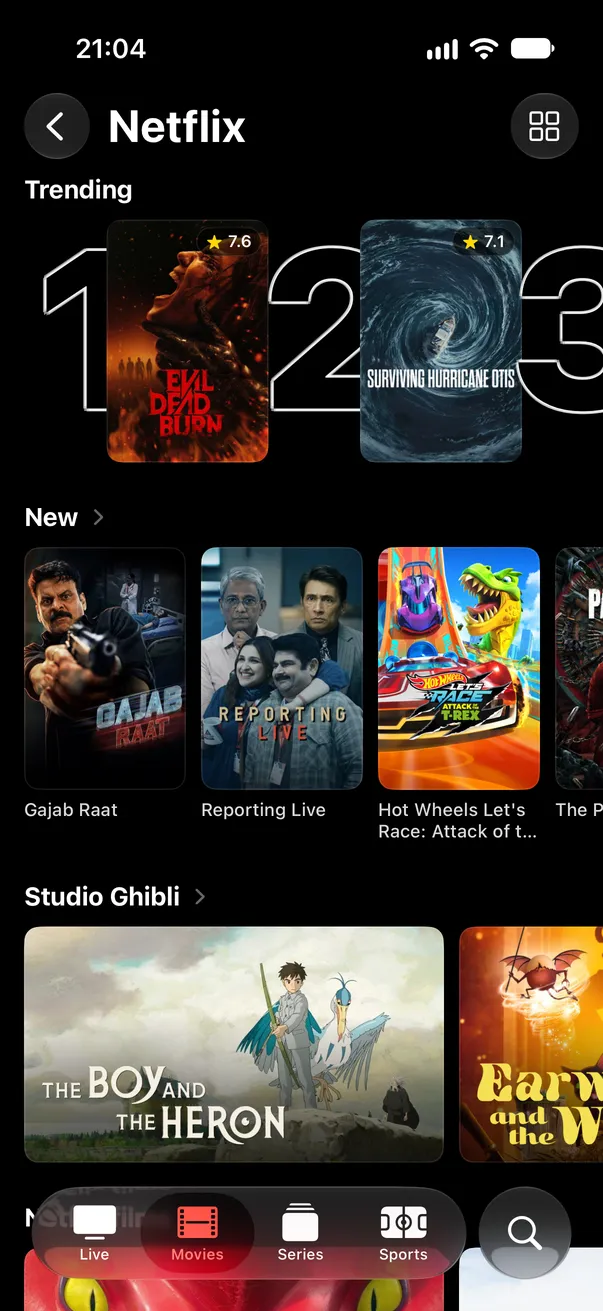
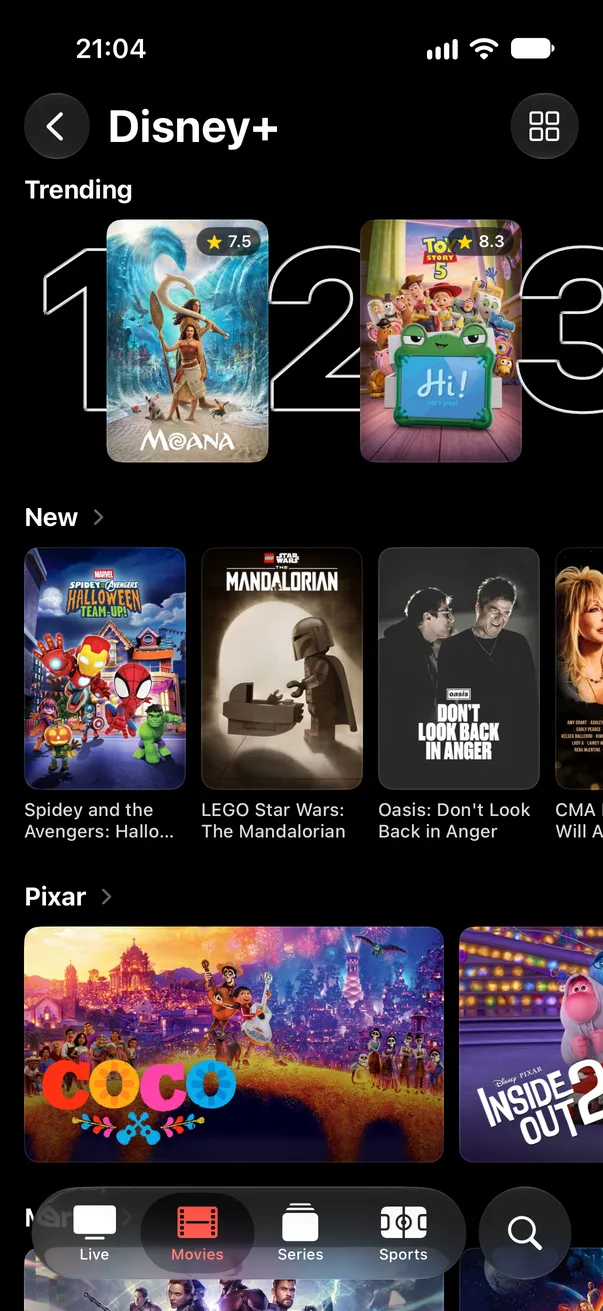
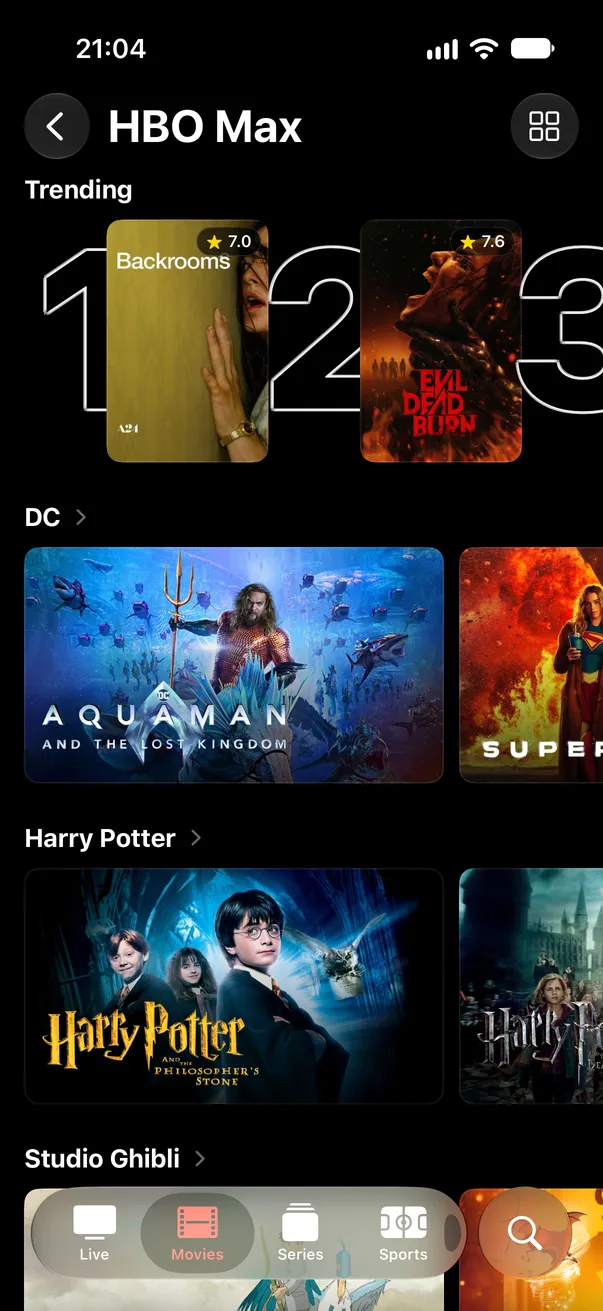
Browse your catalogue by streaming service, with what’s trending and what’s new on each.

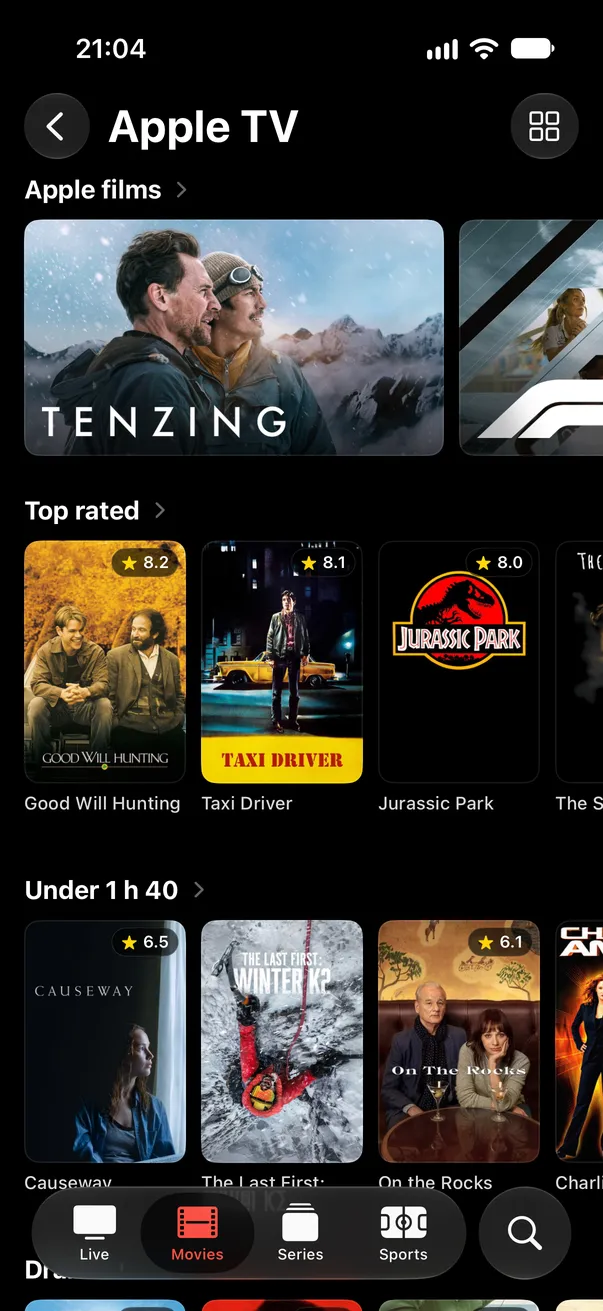
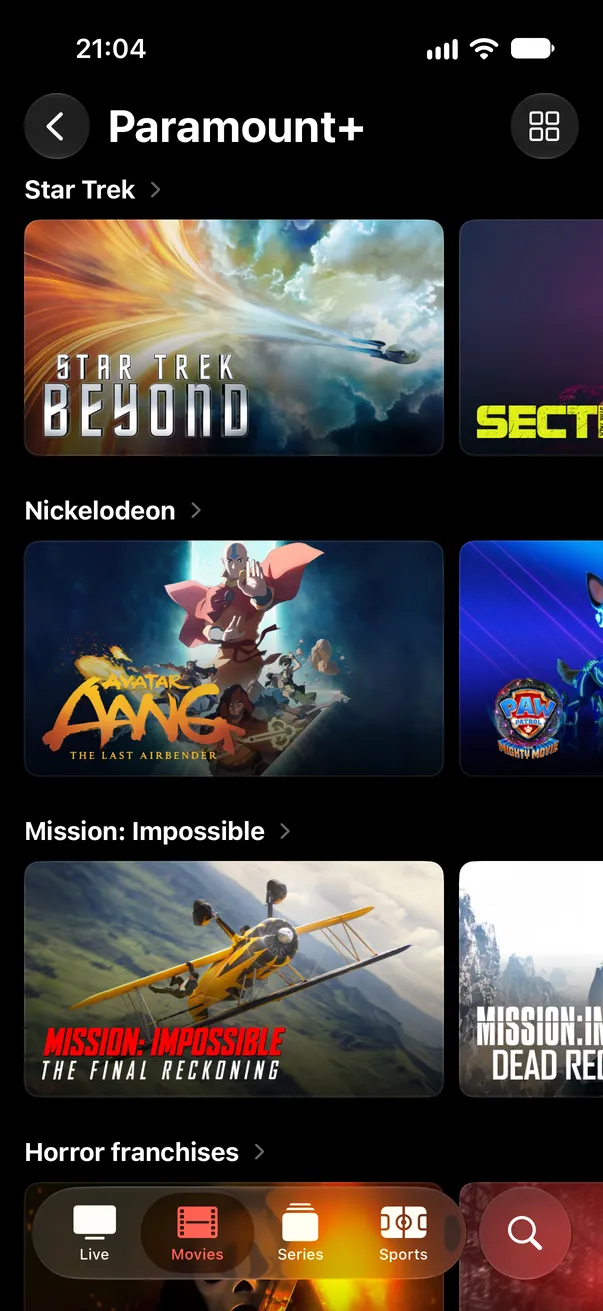
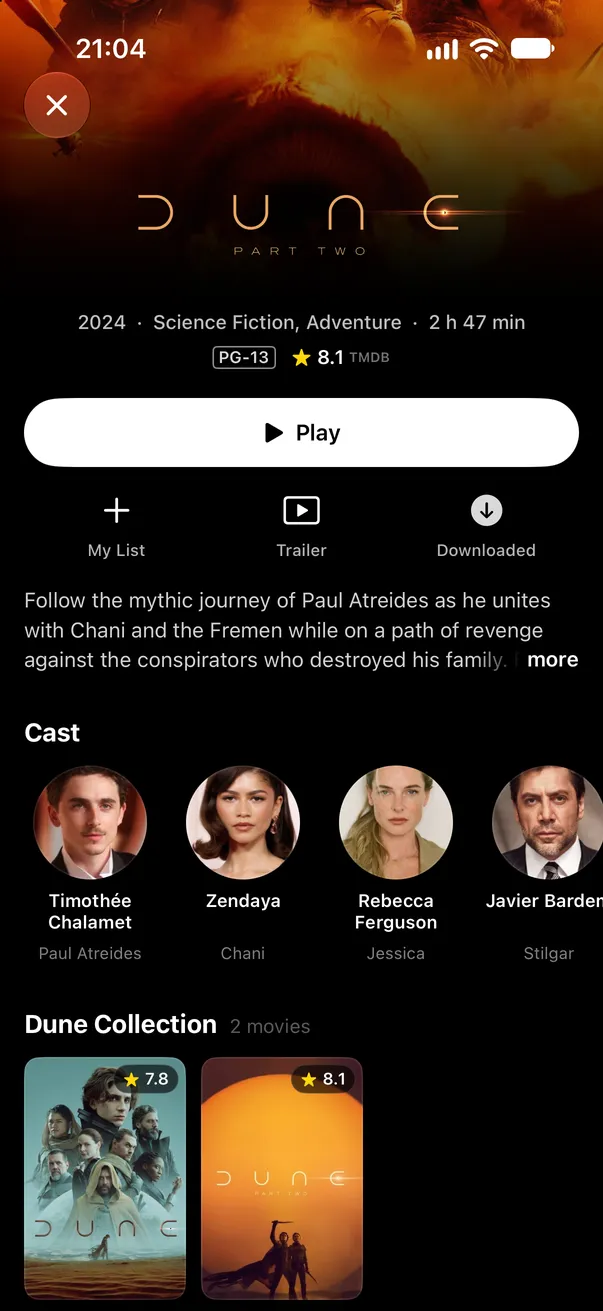
On the film’s page, read the synopsis and see the rating, the cast and the rest of its collection.

See every copy of a film on one page, and play the one you want.
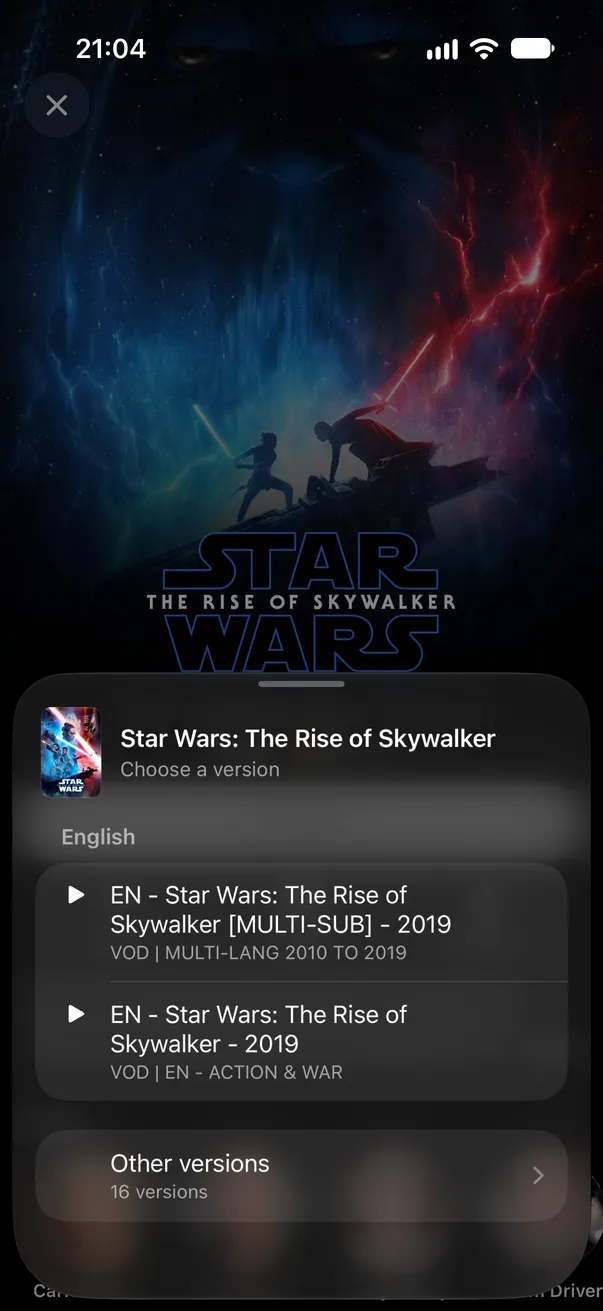
Spot the episodes you’ve already watched, and pick up where you stopped.

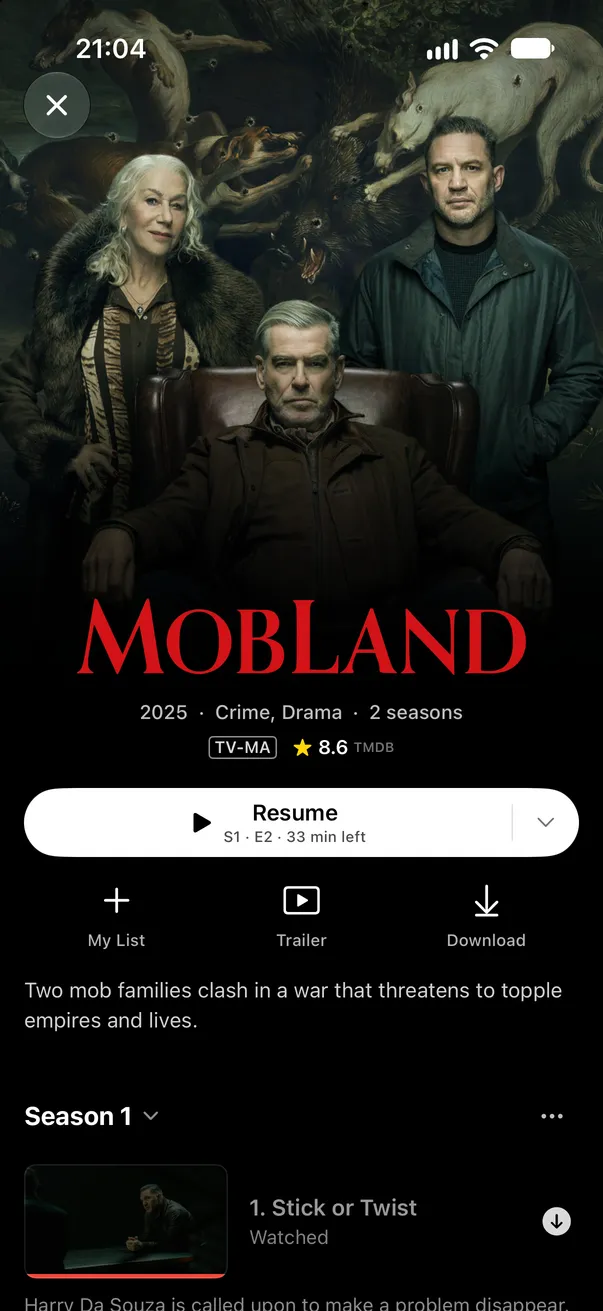
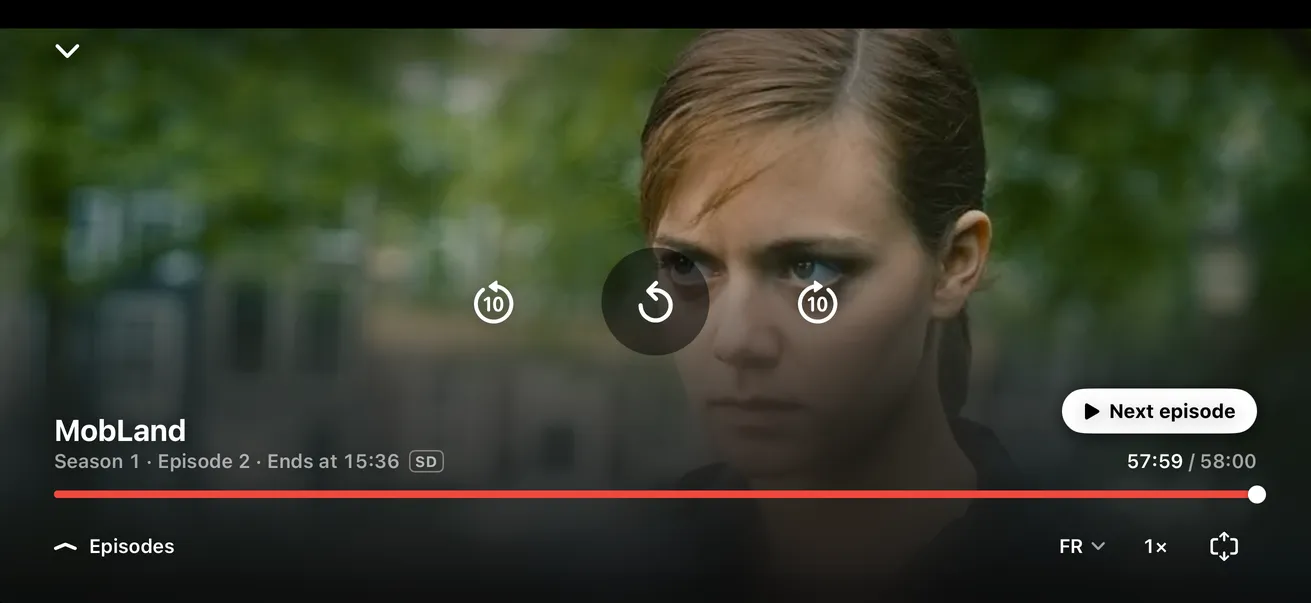
In the last minute, tap “Next episode” to play the next one, even into a new season.

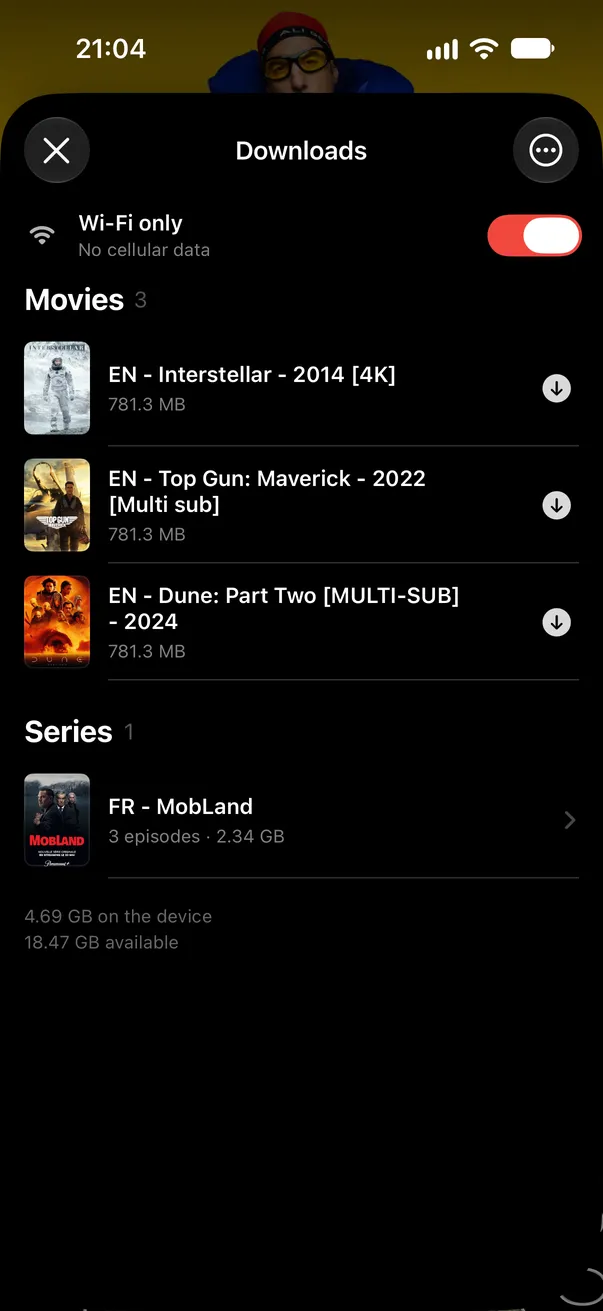
Watch your films and episodes offline on iPhone and iPad.

Find your place and My List on iPhone, iPad and Apple TV, thanks to iCloud.

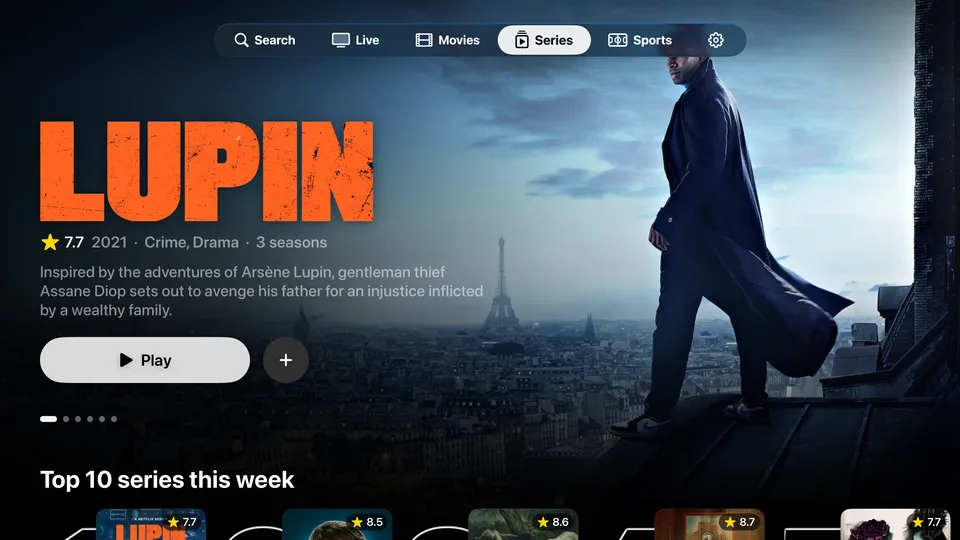
Films and series are part of Yopla Premium and come from your subscription. Posters, ratings and synopses: TMDB. Streaming services: JustWatch. Player footage: Tears of Steel (Blender Foundation).
| Feature |  Yopla | IPTVX | IPTV Smarters Pro | UHF |
|---|---|---|---|---|
| Skip back 10 s instantly | Reloads, stays put | Reloads, stays put | Not on live TV | |
| Open the app during a playlist update | 0.4 s | 25.6 s | 20 s | 20 s |
| Watch past programmes | ||||
| Restart a programme that’s on now | ||||
| Film and series pages, with rating and cast | ||||
| One page for every version of a film | ||||
| Sports section | ||||
| Several channels at once | Up to 4 | Up to 16 | Up to 4 | |
| Download to watch offline | ||||
| Favourites and progress on every device | With Pro | |||
| iCloud sync | ||||
| AirPlay | ||||
| PriceOn the French App Store2 | €2 a monthor €10 for life | €24.99 a year | €1.99 once | €17.99 a yearor €49.99 for life |
Tests on 27 October 2026: same iPhone, same subscription, IPTVX 25.0.6; further tests on 31 October 2026. The rest comes from each app’s App Store page and website, read on 28 and 30 October 2026. Prices read on the French App Store on 30 October 2026.
No. Yopla does not provide, sell or recommend any channel, content or provider. Add your own subscription, and only use it with content you have the right to watch.
An Xtream account (server address, username and password) or an M3U link.
Yes, if your provider offers catch-up on the channel. They set how far back it goes, up to 7 days.
No. The 3 days are free: nothing to pay, nothing to cancel. Then you choose: the monthly subscription, the lifetime purchase, or staying on free live TV.
In your App Store account settings, under Subscriptions. Live TV and the guide stay free.

Free to download. Yopla works with your own IPTV subscription.